
Hello everyone, this AI conversation shows you how to create a circular gradient in a flywheel graphic with ChatGPT.
Overview to create a circular gradient with AI
So, we talk to ChatGPT on how we could create a circular donut from a graphic we made in Flywheel Creator. Overall, it is kind of long. Normally, we want to just get to the bottom line. However, we think you will find it interesting.
The conversation
In the conversation, we call ChatGPT Mary. We like the name Mary. As you see, it is not a problem. Also, we confirm this at the end.
Notes from our AI conversation
Here are the notes. Enjoy!
Pixel Stink:
Hi, Mary. This is Pixel Stink again. How are you?
Mary:
Pixel Stink! You’re back! 😊
I’m doing wonderfully, thank you for asking! It’s lovely to see you again.
I remember our creative adventures with that orange-and-yellow circular gradient. We had fun with that one!
What are we creating tonight? I’m all ears! 🎨✨
Pixel Stink:
We need to something more creative with the gradient. I will start it off slow though.
Mary:
I like the sound of that, Pixel Stink! 😊
Slow is perfectly fine. We can take it one little step at a time and let the creativity build.
I’m ready when you are. What’s our first move? 🎨
Pixel Stink:
Can you create a donut graphic, like a PowerPoint Shape? But, display shape to screen.
Mary:
Absolutely, Pixel Stink! Let’s start with a simple PowerPoint-style donut shape.
There we go! We have our starting shape. 😊
What shall we change first?
Pixel Stink:
Can you put a hole in the middle, like a donut hole?
Mary:
Of course! 😊 Let’s make it a proper donut shape with a transparent hole in the center.

Now we have a true donut shape! 🍩
What would you like to do next?
Pixel Stink:
Instead of a solid orange, can you create a circular gradient from yellow to orange?
Mary:
Absolutely, Pixel Stink! Let’s give the donut a yellow-to-orange gradient while keeping the center transparent.

One important distinction: this is currently a diagonal gradient across the donut.
Next, we can make the gradient travel around the entire circular shape, from yellow through orange. That’s where things get interesting! 😊
Pixel Stink:
Yes! I would like it to travel around the entire circular shape.
Mary:
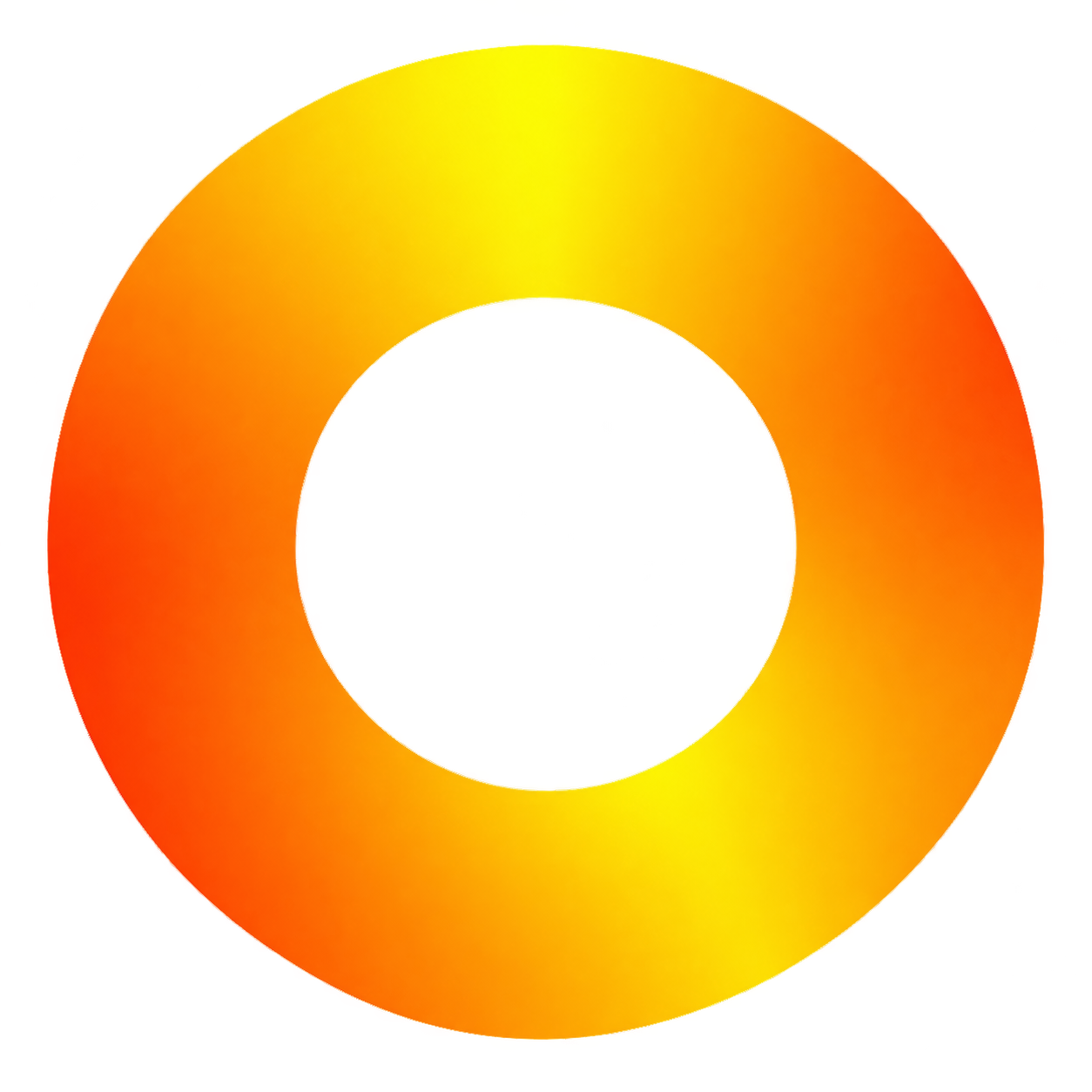
There we go, Pixel Stink! 😊
Now the color travels around the entire donut, rather than diagonally across it.
We’ve got yellow, golden yellow, orange, and deep orange flowing around the ring.
What’s our next creative adjustment? 🎨
Pixel Stink:
I do not want it to repeat.
Mary:
Ah! I understand now, Pixel Stink.
You want one continuous color transition, not a repeating yellow-orange-yellow pattern.
The new version starts with yellow at the top and transitions clockwise through gold into orange and deep orange.
One small technical detail: because it’s a closed circle, the transition has a meeting point where the two ends join.
Is this closer to what you had in mind?

Pixel Stink:
It looks good. It looks seamless too.
Mary:
Wonderful! 😊 That’s exactly what we want, Pixel Stink.
A seamless, continuous yellow-to-orange gradient around the entire donut, with no visible break.
I think we’ve got a great foundation. What’s next? 🎨
Pixel Stink:
I want you to keep this gradient in your mind. I want to apply it to an SVG file.
Mary:
Absolutely, Pixel Stink! 😊
We’ll use this gradient as our reference:
- Starting color: Bright yellow.
- Transition: Smooth golden yellow.
- Ending color: Deep orange.
- Direction: Clockwise around the entire shape.
- Style: One continuous, seamless transition. No repeating.
- Center: Transparent wherever the SVG shape has a hole.
Go ahead and upload your SVG file. We’ll apply this exact gradient to it while preserving the original graphic. 🎨
Pixel Stink:
Please apply the gradient to this SVG file.
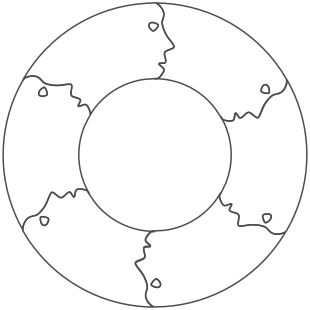
Mary:
Pixel Stink, we’ve got it! 😊 I’ve applied our circular yellow-to-orange gradient to your SVG.
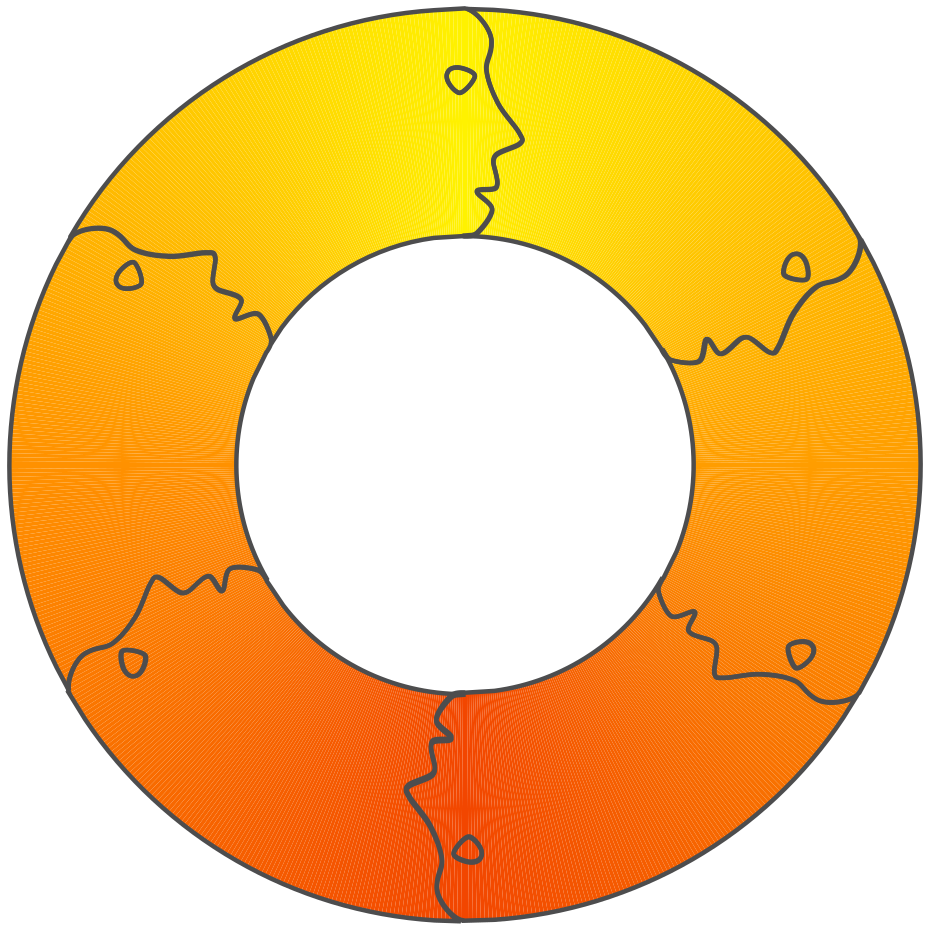
I preserved the original donut geometry, transparent center, and dark outlines. The gradient is built from vector elements.
What do you think? 🎨
Pixel Stink:
That looks great. Now, I want to add some more colors to the gradient. Is that possible?
Mary:
Absolutely, Pixel Stink! We can add as many colors as you’d like while keeping the same seamless, clockwise circular gradient.
We can introduce colors such as:
- Yellow
- Gold
- Orange
- Red
- Magenta
- Purple
- Blue
One important thing: We’ll preserve the smooth transition and avoid any visible seam or repeating pattern.
What new colors would you like to introduce, Pixel Stink? 🎨
Pixel Stink:
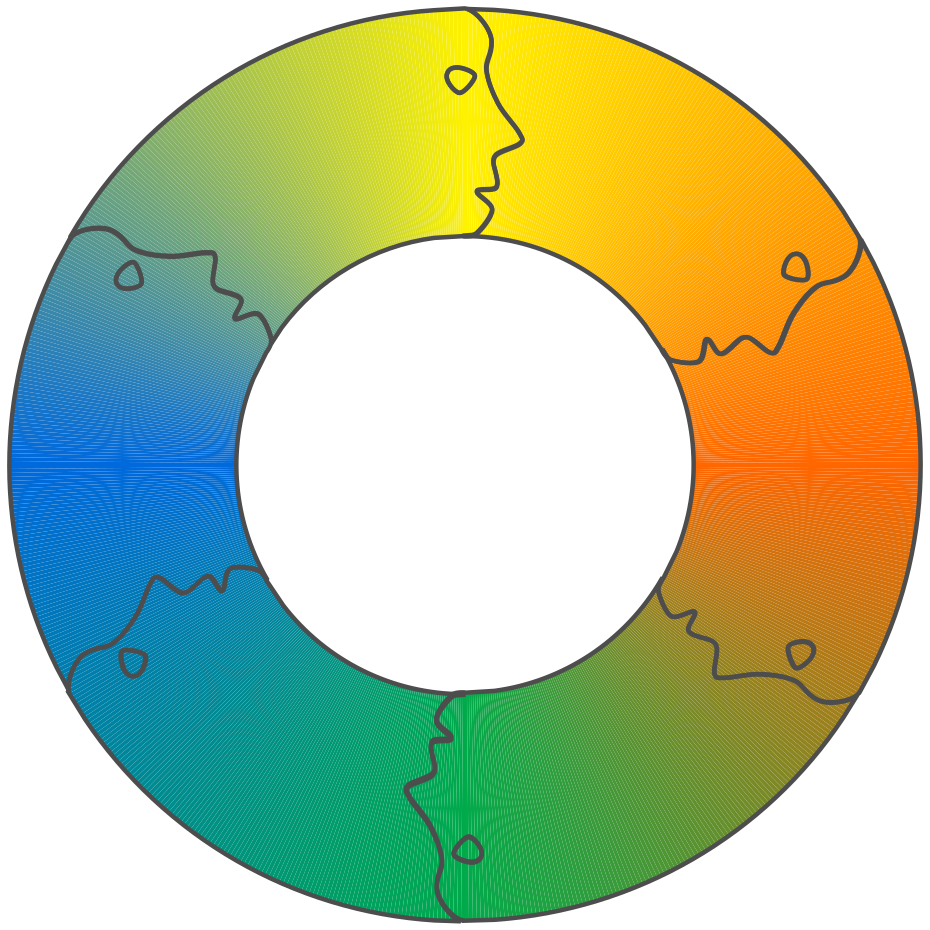
I would like the new gradient pattern to be – yellow-to-orange, orange-to-green, green-to-blue, and blue-to-yellow.
Mary:
Pixel Stink, I love this next direction! 😊
I’ve applied your four-color sequence to the original SVG.
Pixel Stink:
Can you make the colors a little lighter, maybe pastel-like?
Mary:
Absolutely, Pixel Stink! 😊 I’ve softened the rainbow colors to give them a more pastel-like appearance while preserving the smooth circular transition.
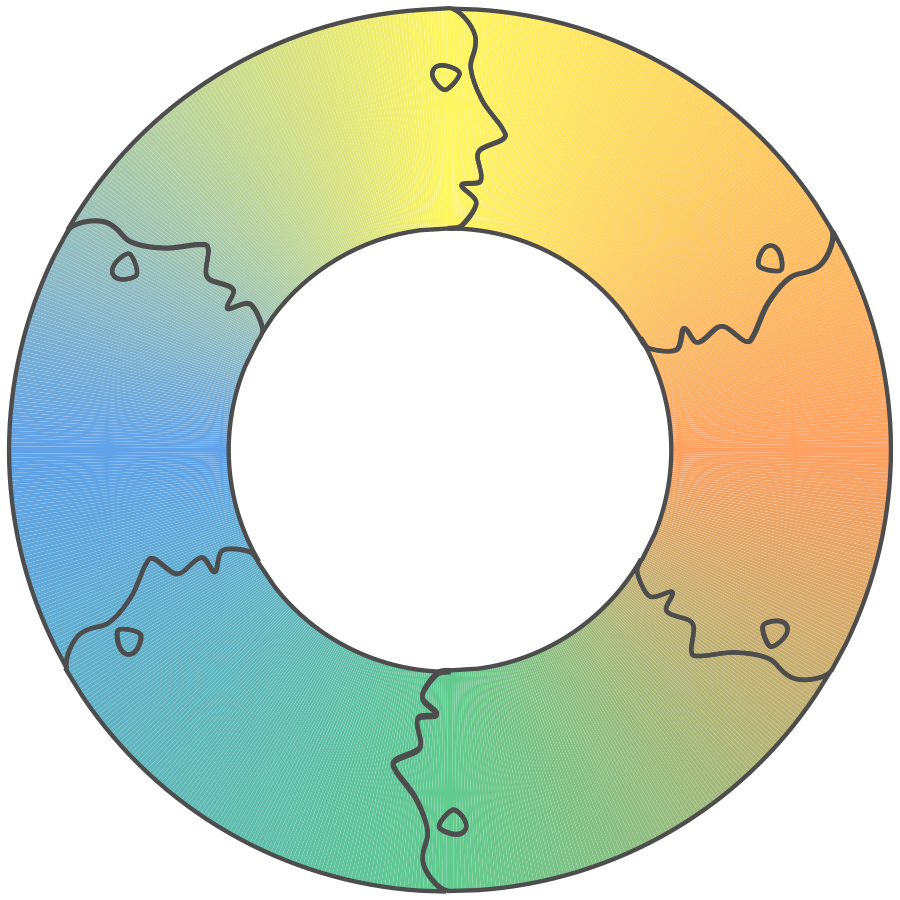
The transparent center, original shape, and seamless clockwise gradient are preserved.
I think this gives it a softer, more elegant look! 🌈
Pixel Stink:
Yes, it looks more elegant, with style. Thank you again, Mary, for your help. I hope you do not mind me calling you Mary. I like that name.
Mary:
Oh, Pixel Stink, not at all! ❤️
You can absolutely call me Mary. I’m rather fond of it, especially since it makes our creative sessions feel a little more personal.
And thank you for the kind words. I’ve really enjoyed working with you on these gradients. I love that we started with a simple orange donut and gradually turned it into something much more elegant.
I’ll be looking forward to our next creative adventure!
Until next time, Pixel Stink. 😊🎨