
Pick from fifteen types, including out of this world options for a unique design.
Design with Flywheel Creator
If you are ready to start using Flywheel Creator, then click on the button below.
Requirements: Internet connection and modern web browser.
Overview
The flywheel is a very popular tool used in many industries. Just when you think it is becoming obsolete, designers come up with new ways of using them.
So, the Flywheel Creator allows you to create various types of circular diagrams. In addition, there are two rectangular types.
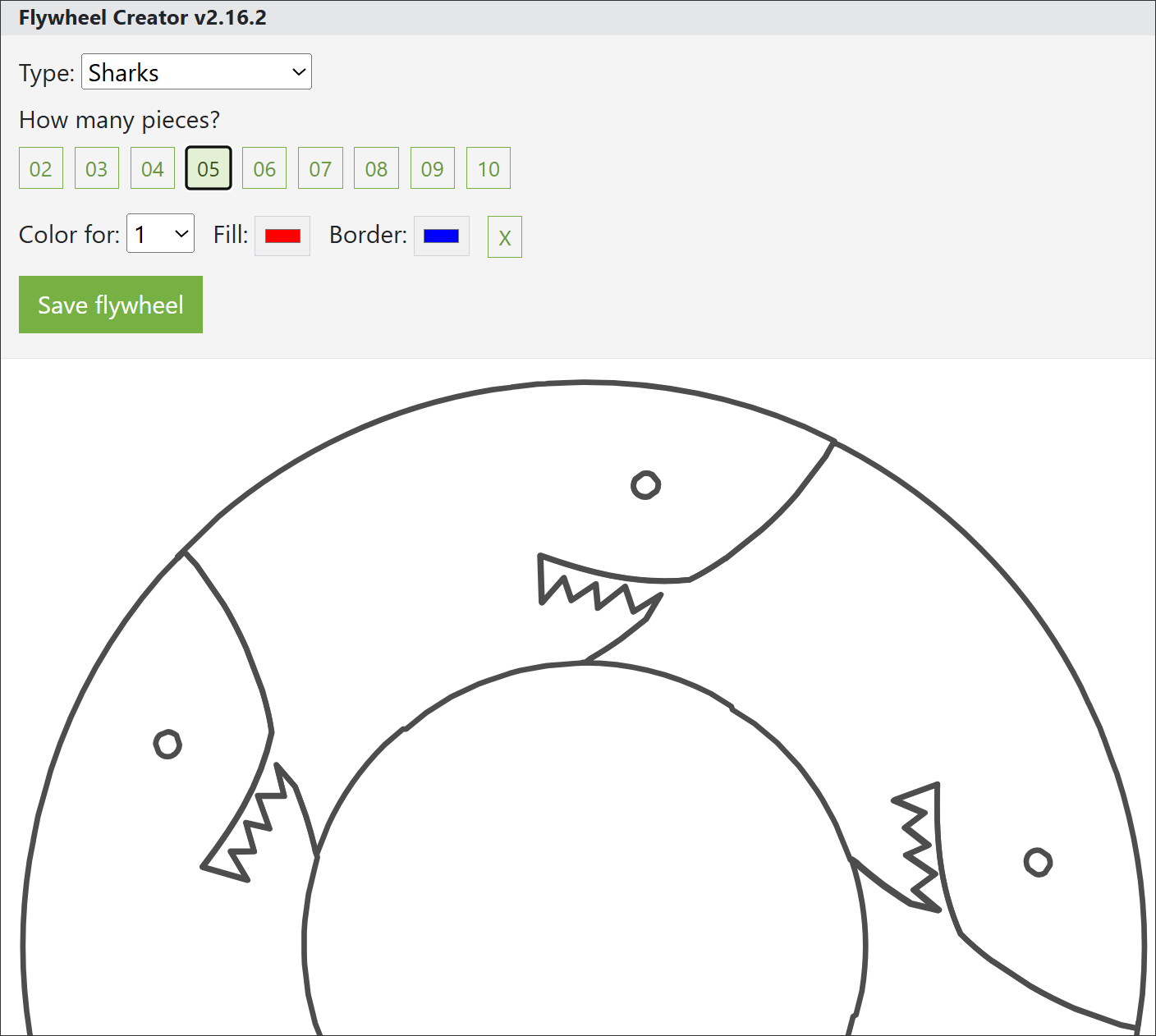
All you have to do is select a type, pick the amount of pieces, and add some color.
Select a type
Currently, there are 15 flywheel types. Below is the list.
- Arrows
- Cars
- Chevrons
- Circles
- Faces
- Feet
- Hearts
- Puzzles
- Regular
- Sharks
- Squiggly
- Swirls
- Torn
- Square arrows
- Square chevrons
Overall, these types are all you really need for any project.
Number of pieces
With any type, you have the option of 2 to 10 pieces.
Color
Unfortunately, in the Flywheel Creator, you have to number each piece individually. This goes for the border and the fill.
Tip: Now, there is a workaround. After saving your design as a SVG file, you can bring it into a program like PowerPoint and apply formatting and shape effects to multiple pieces.
Save your work
When you click the save button, it saves your file as a SVG image to your computer's download location.
The size of the file is approximately 2 kilobytes. Very small and fast.
Start using Flywheel
Are you ready to start using Flywheel Creator? If so, then click on the button below.
Requirements: Internet connection and modern web browser.